
Motion Graphics
Motion Design Marketing Video: my Workflow

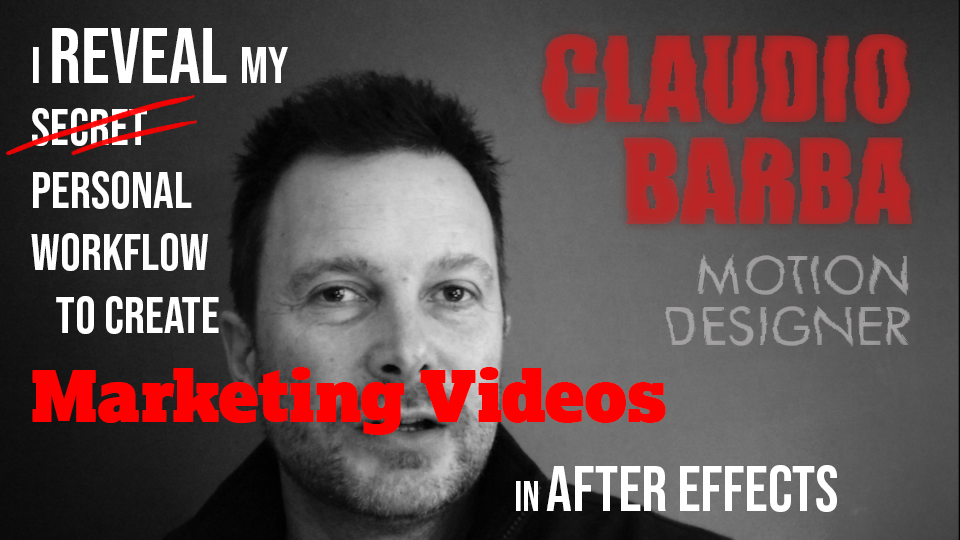
After the video published last week to advertise the #WorldCancerDay, I have prepared a ten minutes tutorial about my workflow for creating this kind of marketing videos as a motion designer.
First I describe the idea and conception on a simple notepad, as easy as that. This is a super important phase as this is when I do my brainstorming. Actually, there is one thing I always do before the others (…and I forgot to mention it in the video, my bad!!) : looking around for good references and creating mood boards, with some styles I like.
Once my thoughts are one paper, I usually jump in Storyboarder to prepare the first round of boards. As I said in the video, Storyboarder is a free and powerful software to easily draw boards. The output of this second phase is a nice story board that can be shown to the other stake holders in this Motion Design Marketing Video project.
As the project has been relatively easy from the illustration point of view, I skipper the Design in Photoshop and jumped directly in After Effects, where I have drawn some of the illustrations using vectors. I have used the Pastiche plugin to generate and manage all the small pieces forming the images.
I also talk about sound design, briefly showing how I use Soundly to find sound effects and integrate them in After Effects. As this is an overview of my process, I could not go into too many details. Anyway, if you have any question, let me know in the comments and I will try to help you.
Of course Motion Design for Marketing Video is a vast subject and there are so many ways to do it, depending on the budget, the artistic direction, the time constraints.
Storyboarder: https://wonderunit.com/storyboarder/
Pastiche plugin for after Effects: https://www.motionboutique.com/pastiche/

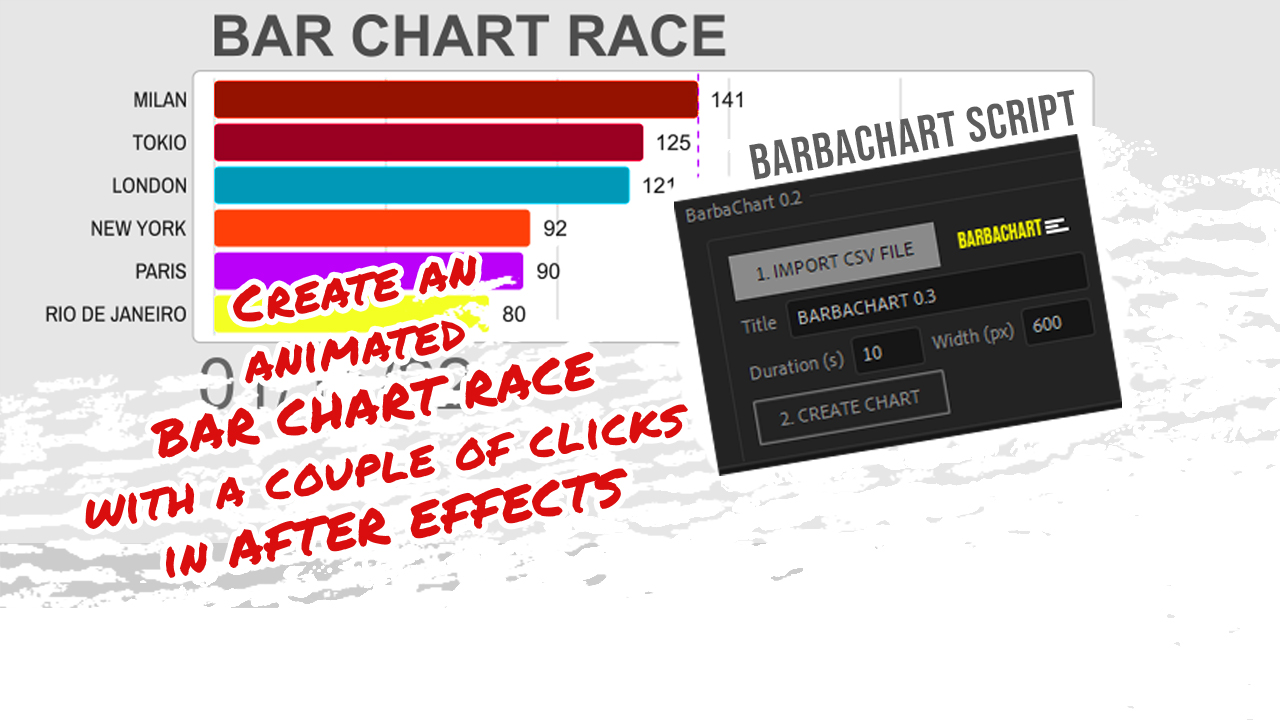
You need to create a Bar Chart Race in After Effects, but have no idea where to start from, or may be you just have no time to create it!
Well, I have you covered: I have developed the right After Effects script for you. Easy!
You will only have to click a couple of times to create a composition containing a working Bar Chart Race.
After that, you can directly use it or customise it to your needs.
I have been pretty productive last december, mainly because I wanted to experiment some animation ideas in Adobe After Effects.
The first is the one I prefer: it started by wanting to have some fun with the new tape properties in After Effects 2021. The first Christmas tree grows by animating the end of a line shape layer. The width varies along the length using the tape properties.
I have also used the a lot the internal Particle effects in AE. in the first shot, the origin of the particles is even linked to the moving end of the Christmas tree layer.
The second part is the darkest one, where the corona virus is killed by the vaccine. Here I just tried to transmit the creepiness of the situation and the fatigue of the scientists, who finally achieve the goal of killing the virus.
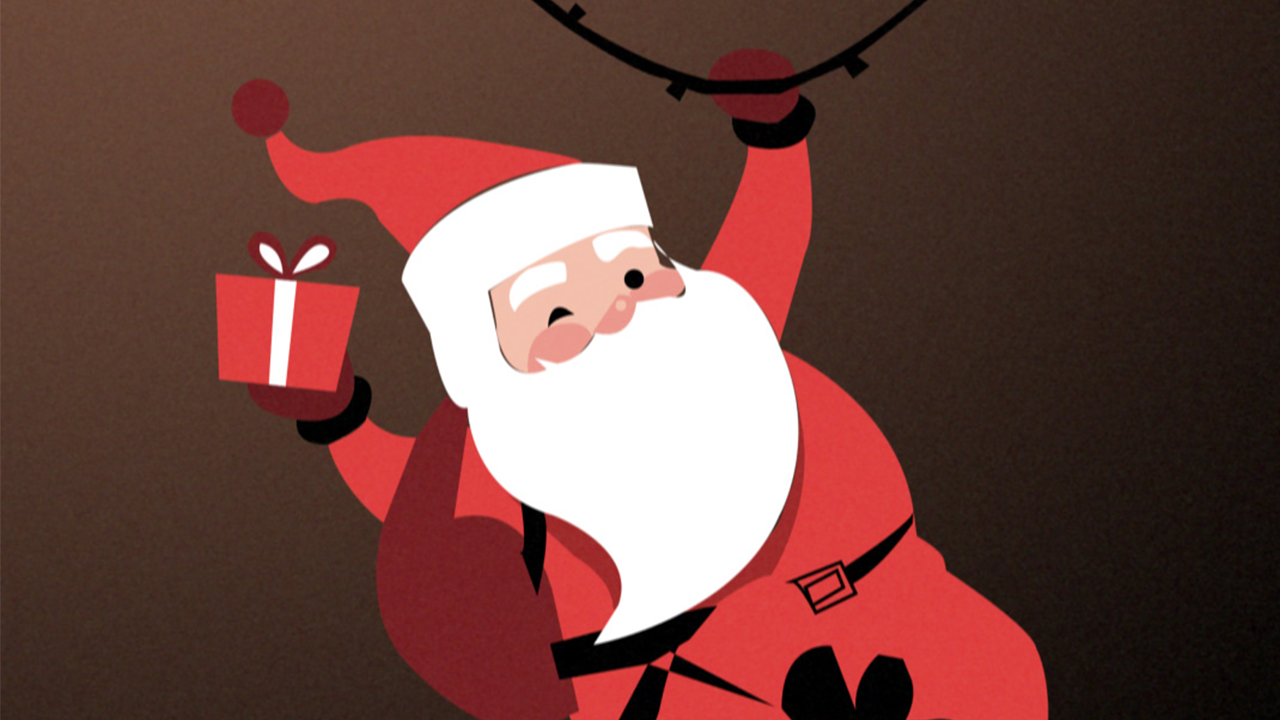
The third scene is where Santa is coming back, using the CC Scatterize effect, and wishes a safer 2021 to everybody 😉
This is the tutorial I made, where I am going through most of the main issues I had to face during the realization of the video:
The second one was inspired by a tutorial I found for recreating fake 3d tape animations, so I came up to use the 3D tape to build a very stylized Christmas tree.
Let me know what you think about these videos in the comments on youtube! I try to answer all comments :=p
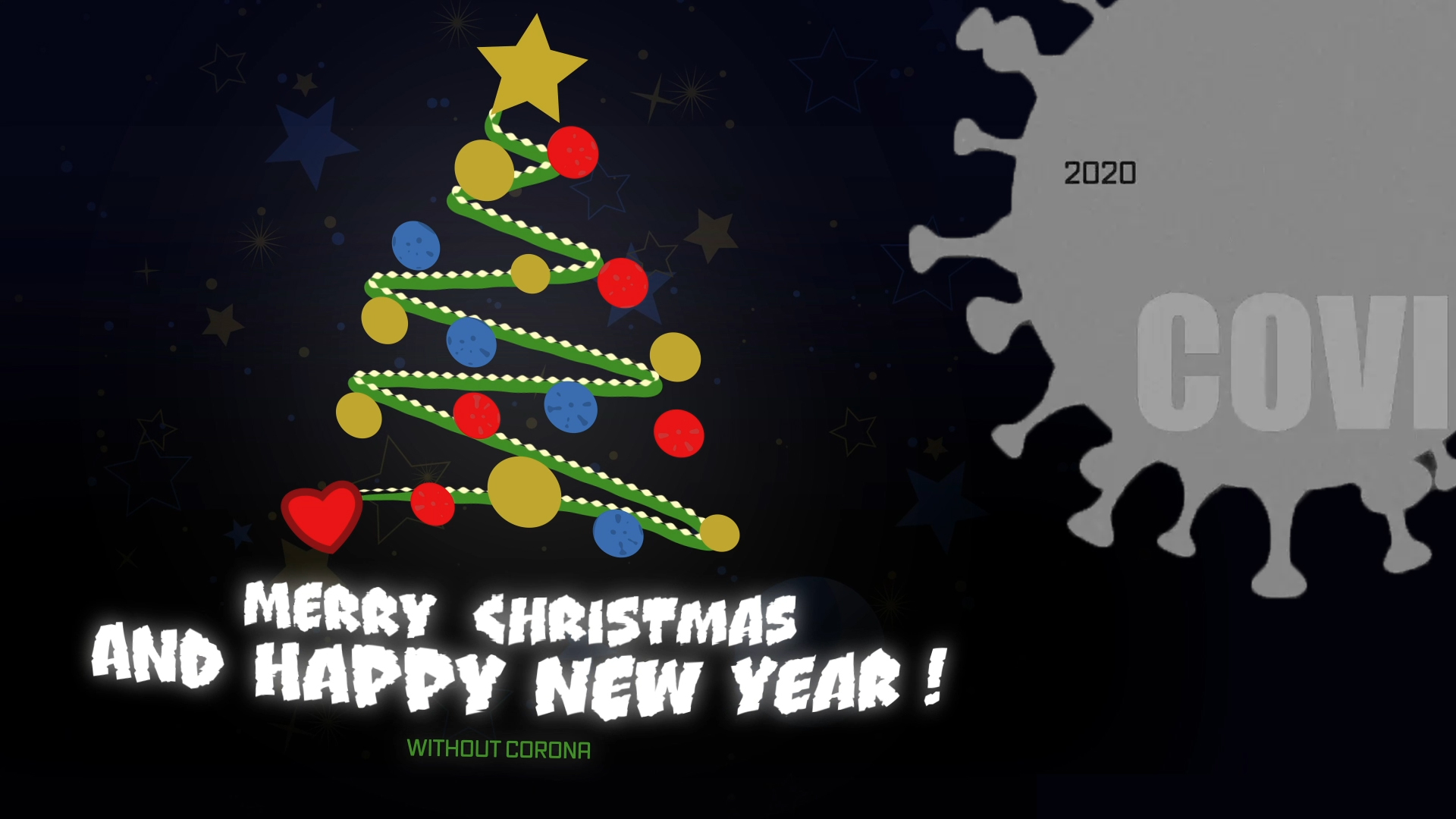
It’s December, almost Christmas time, we are worried because of the corona pandemic and we are not sure if we will be able to spend holidays with our families and friends. That is the starting point of this Christmas Animation video card.
I have done it in Adobe After Effects in a couple of days, using 3d, camera movements and some particle emiters here and there. I have finally added some sound effects. The voices included are synthetically created.
Christmas Animation Breakdown
The Animations starts with a gray atmosphere, which I have obtained using an adjustment layer with a couple of effects:
- Vibrance: to set the saturation to 0 and obtain the gray scale sensation
- Uni.Grain 16 from Red Giant Universe: to add some subtle grains
After a few seconds we get into Christmas colorful mood. The adjustment layer is gone, and a quick camera movement is starting, to follow the trim path on the 2 paths depicting the Christmas Tree. I have created a null layer which follows the end of the trim path and attached a particle world effect to it.
At this point a new particle effect starts from the top of the tree to bring the eyes of the viewer to the bottom, where the text appears.
A moving background slowly appears, while the text adjusts to the final version with a stop motion style.
At the end the corona viruses are popping off and transforming to balls, while a third explosive particle effects fill the scene.
Let me know if you want me to publish a video to go through the details in the After Effects project.
-
 Motion News8 months ago
AFTER EFFECTS vs RIVE vs CAVALRY
-
 Motion News2 years ago
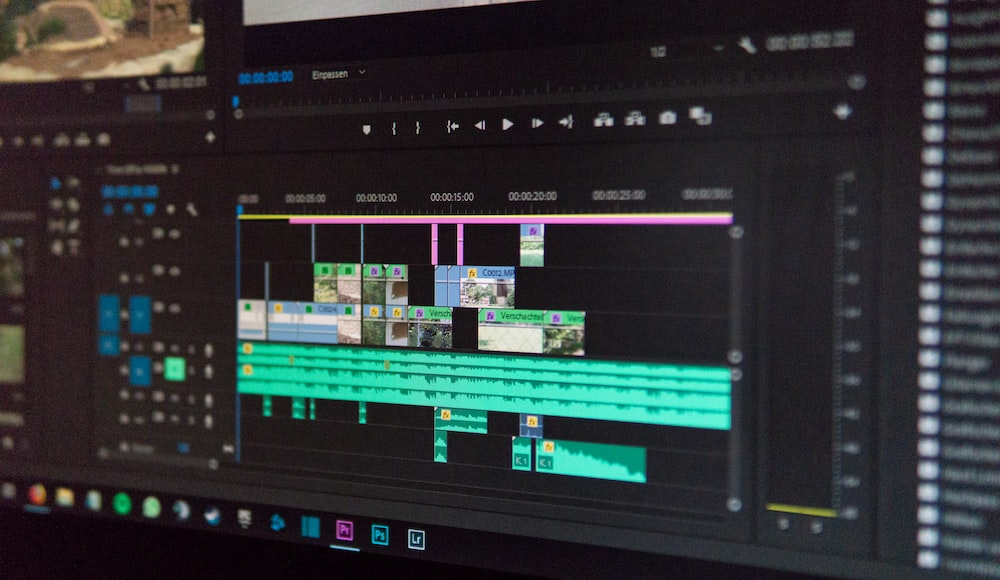
CapCut vs Premiere Pro: The Ultimate Video Editing App Showdown
-
 Tutorials3 years ago
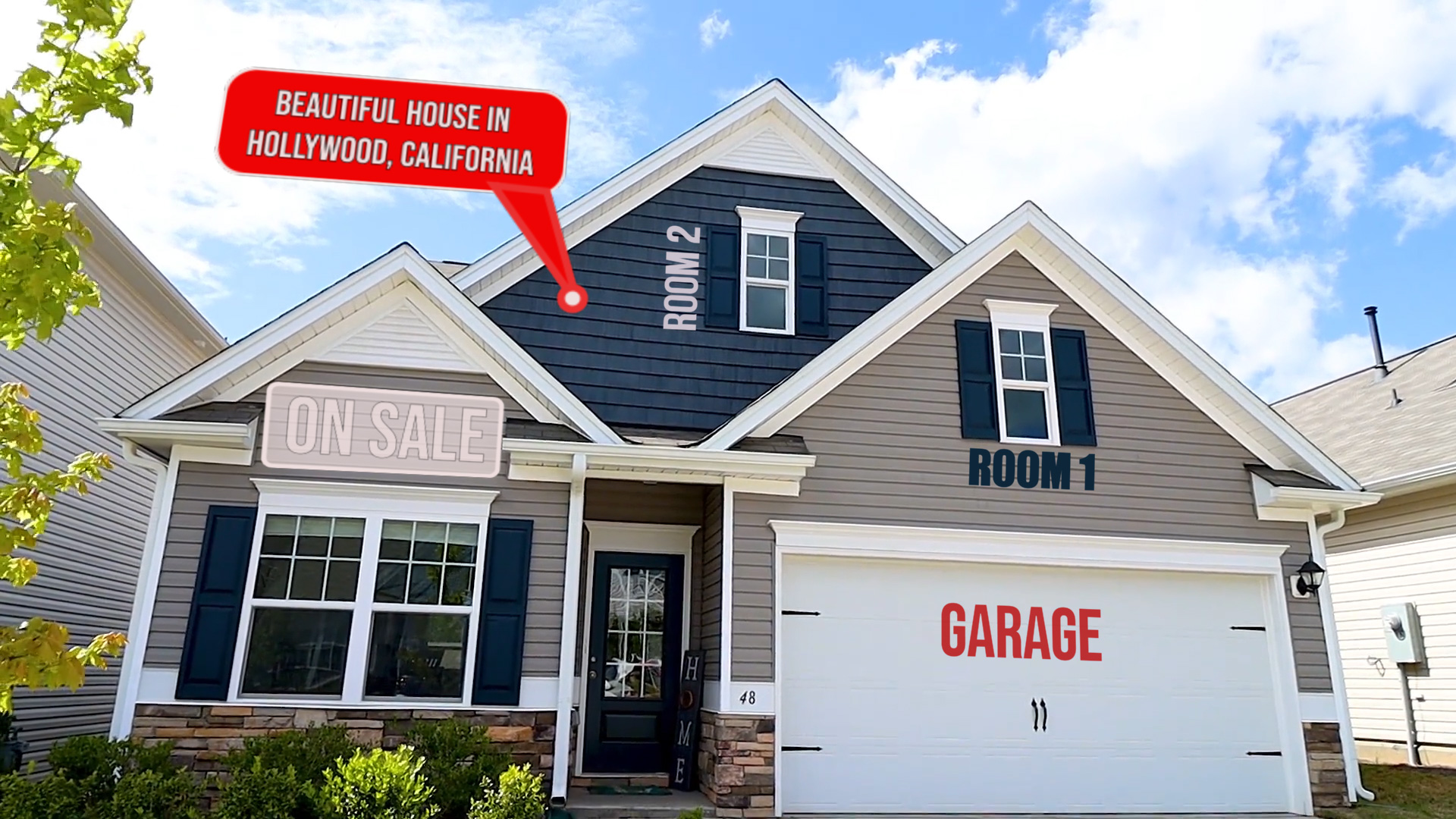
How to track real estate and callouts in Adobe After Effects
-

 Motion News9 months ago
The New 2D Text Box Preset in After Effects
-
 Tutorials2 years ago
How to export mp4 videos from After Effects | 3 methods to export
-
 Motion News9 months ago
Managing ADHD for Creative Designers
-
 Tutorials5 years ago
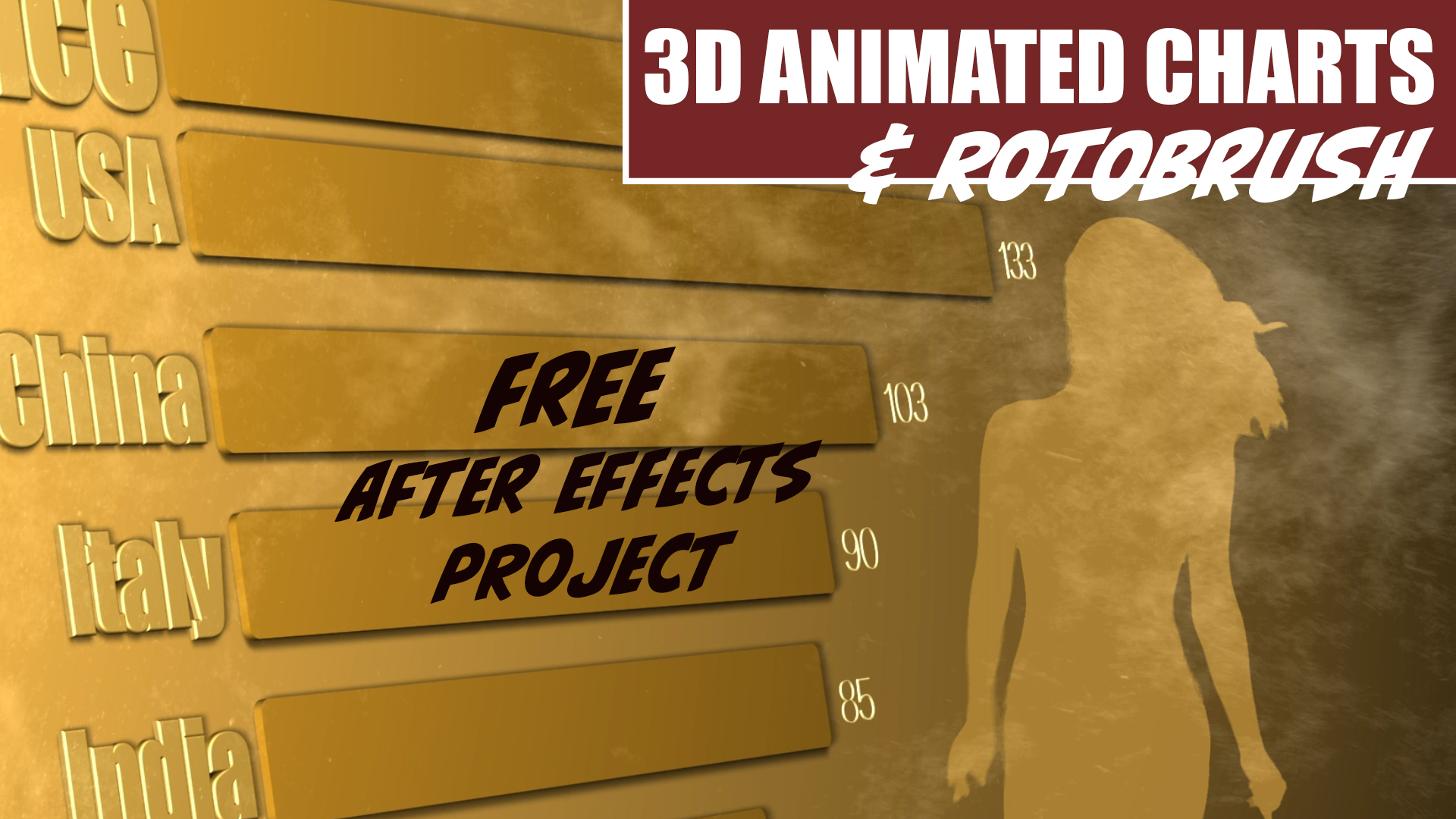
3D Animated Infographics in After Effects and Rotobrush 2 Tutorial
-
Motion Graphics3 years ago
BAR CHART RACE script for After Effects – BARBACHART